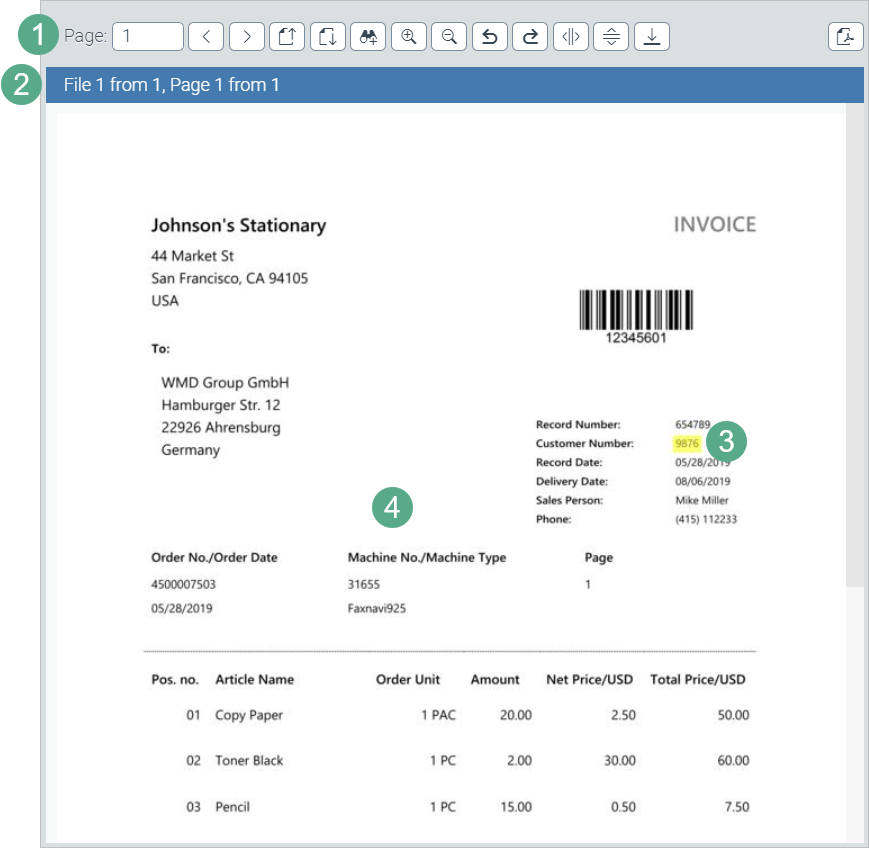
GUI elements of the image viewer without page preview
 |
Element | More information | |
|---|---|---|
1 | Toolbar | The image viewer toolbar provides buttons for navigating through the attachments and adjusting display. For more information, see Overview of archive toolbar buttons. |
2 | Orientation bar | The orientation bar displays the following information:
|
3 | Highlighting of hits | When a search term is found in an attachment, the hits are highlighted. |
4 | Attachments | This is where the individual pages of the attachment are displayed. |