Set the default page display
Open a work item. For more information, see Opening a work item.
The image of the work item will be displayed in the Document Viewer.
In the Dokument Viewer toolbar, click
 Open viewer menu and select Settings.
The Settings dialog will open.
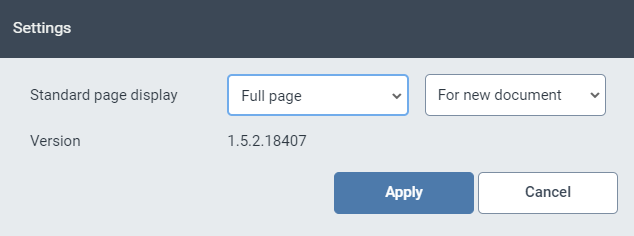
Make your default settings for image pages.
For more information on the settings, see Overview of basic default settings for page display.
Click Apply.