Renaming a private dashboard
Open a private dashboard. For more information, see Opening a dashboard.
From the ribbon, select
 Open the dashboard menu → Manage Dashboard.
The Manage Dashboard dialog will open.
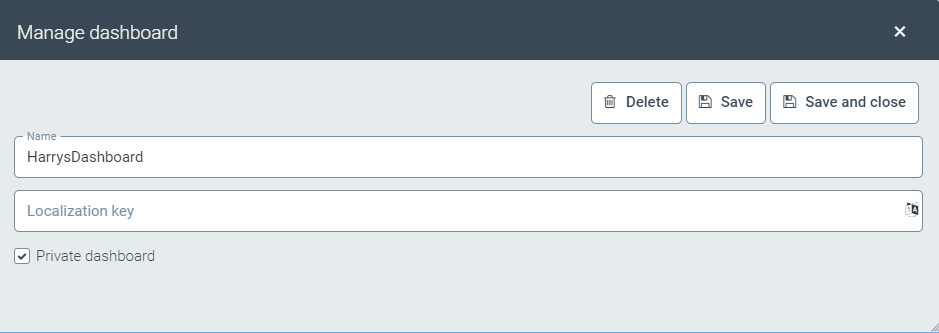
In the Name field, enter a different name for the dashboard.
Click Save and close.