Viewing the version history of an archive document
Select either a single archive, multiple archives or an archive group. For more information, see Archive selection for actions.
Click on an archive document in the hit list.
The archive document will open.
Click
 Display versions on the archive document toolbar.
The version history of the archive document will open.
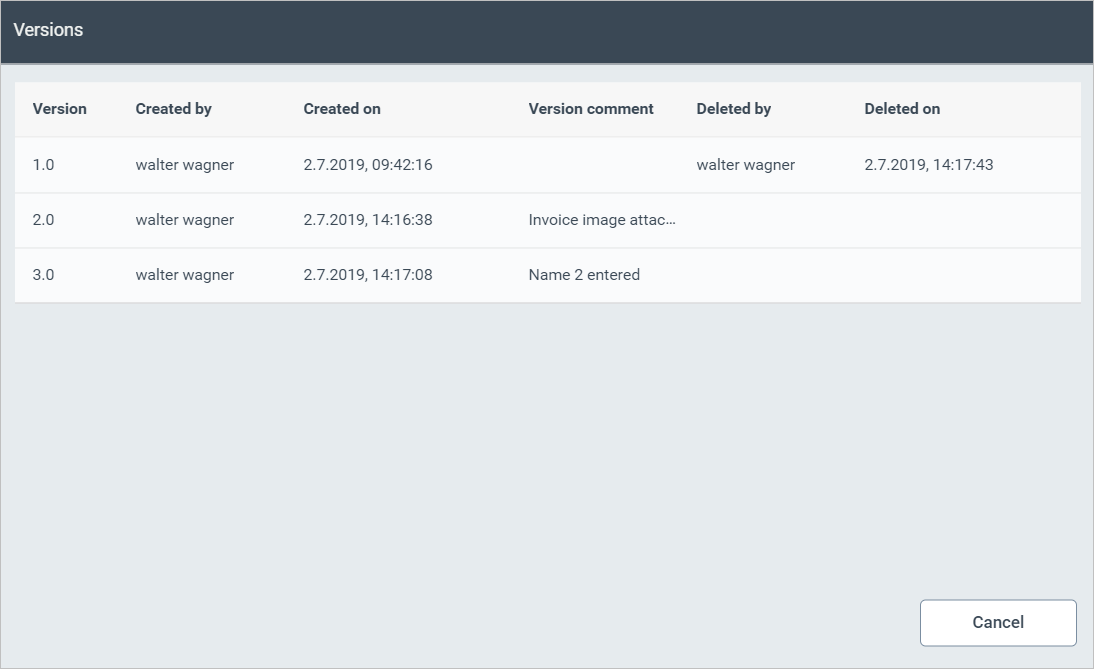
All versions of the archive document are displayed here, with the following data:
The user that created or deleted the version
The time at which the version was created or deleted
Any comment that was added to the version
Note
You can open an undeleted version of the archive document by clicking on it. For more information on opening archive documents, see Open an archive document