Opening and closing the quick access bar
In the web client, move the mouse to the bottom of the browser window.
Click the button
 Quick Access.
The quick access bar will appear.
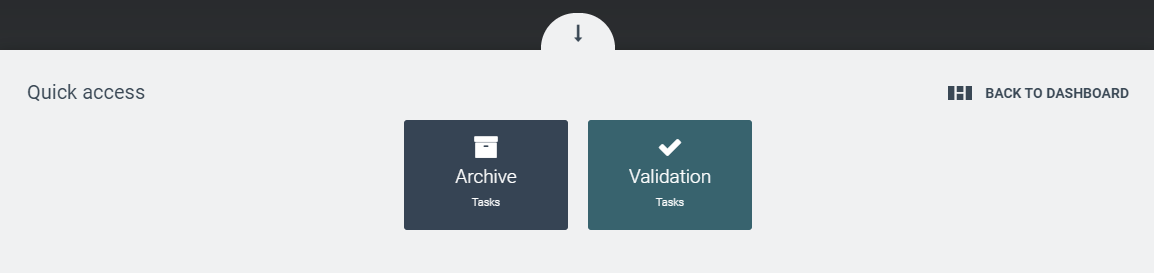
To close the quick access bar, perform one of the following steps:
Click
 Hide to return to the previous screen.
Click Return to Dashboard to return to the last dashboard you opened.