Opening archive document attachments in the image viewer
Select either a single archive, multiple archives or an archive group. For more information, see Archive selection for actions.
This is where you will see the archive documents from the archives you have selected.
Execute one of the following steps:
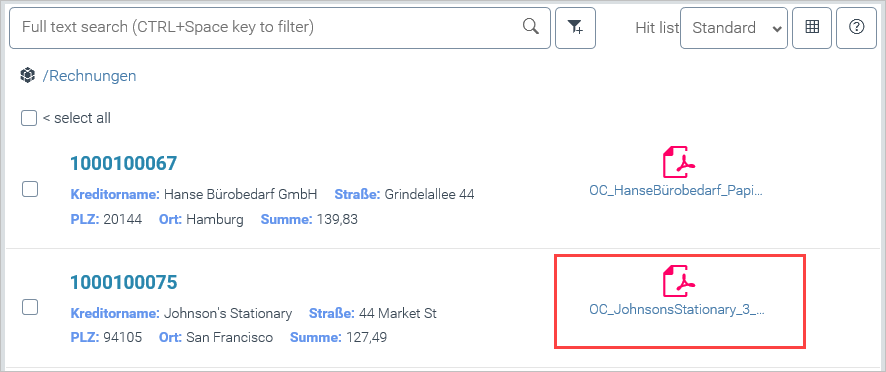
Select the search-engine view. For more information, see Toggling between search-engine view and table view.
Click on one of the attachments in a line:
Select the table view. For more information, see Toggling between search-engine view and table view.
Click a number in the column
 Attachments and, in the next dialog, on one of the attachments: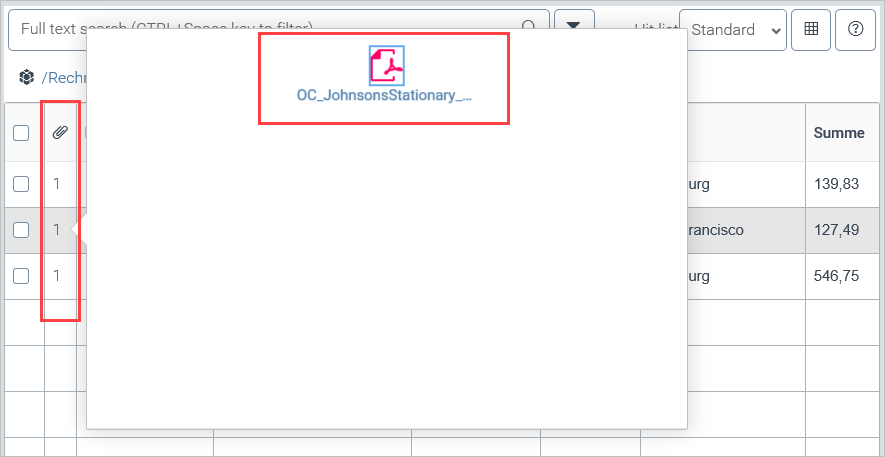
The clicked attachment will open in the image viewer.