Deleting a classification training for a document class
In the Administration tile group, click the Classification Training tile.
Note
If the tile is hidden, open the default dashboard. For more information, see Opening a dashboard.
The Classification Training screen will open.
In the line of the document class with the classification training to be deleted, click the button Remove Document Class.
A security prompt will open.
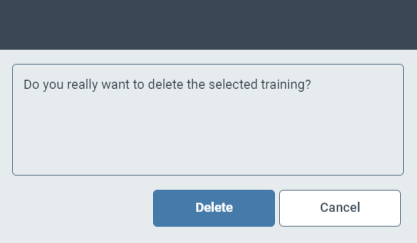
Click Delete.
The classification training of the selected document class will be deleted.