Navigating to a page in the image
Open a work item. For more information, see Opening a work item.
The image of the work item will be displayed in the Document Viewer.
Execute one of the following steps:
Click one of the following buttons in the Document Viewer toolbar:
 Go to next page
 Go to previous page
 Go to first page
 Go to last page
Enter a page number in the Page field of the Document Viewer toolbar and press Enter.
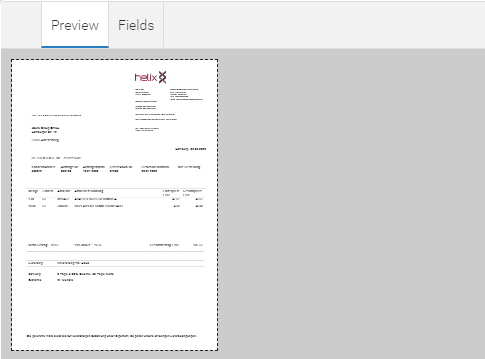
Select the Preview tab and click on one of the pages.