Deleting a user
In the Administration tile group, click on the User Management tile.
Note
If the tile is hidden, open the default dashboard. For more information, see Opening a dashboard.
The User Management screen will open.
Select one or more users.
Click Delete user.
The Delete user window will open.
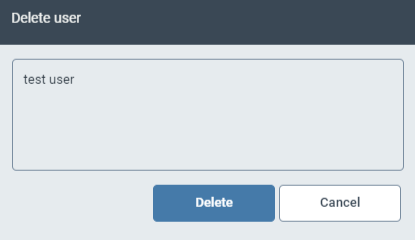
Click Delete.