Setting the language for the web client
From the web client ribbon, select User Menu → Account Settings → Display Settings.
The display settings will open.
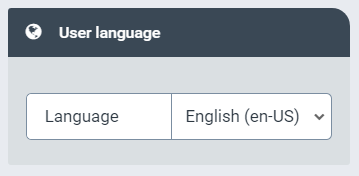
In the User Language section, select whether the web client is to be displayed in English or in German, and whether the language settings of your web browser are to be used.
Click Save.
Click
 Close.