Filtering and sorting work items
Open the default dashboard. For more information, see Opening a dashboard.
The Workplace tile will appear in the Tasks tile group.
In the Workplace tile, click one of the inboxes.
Your workplace will open. The work items for the task list you clicked on will be displayed.
Click in one of the column headers.
The dialog for filtering and sorting will open.
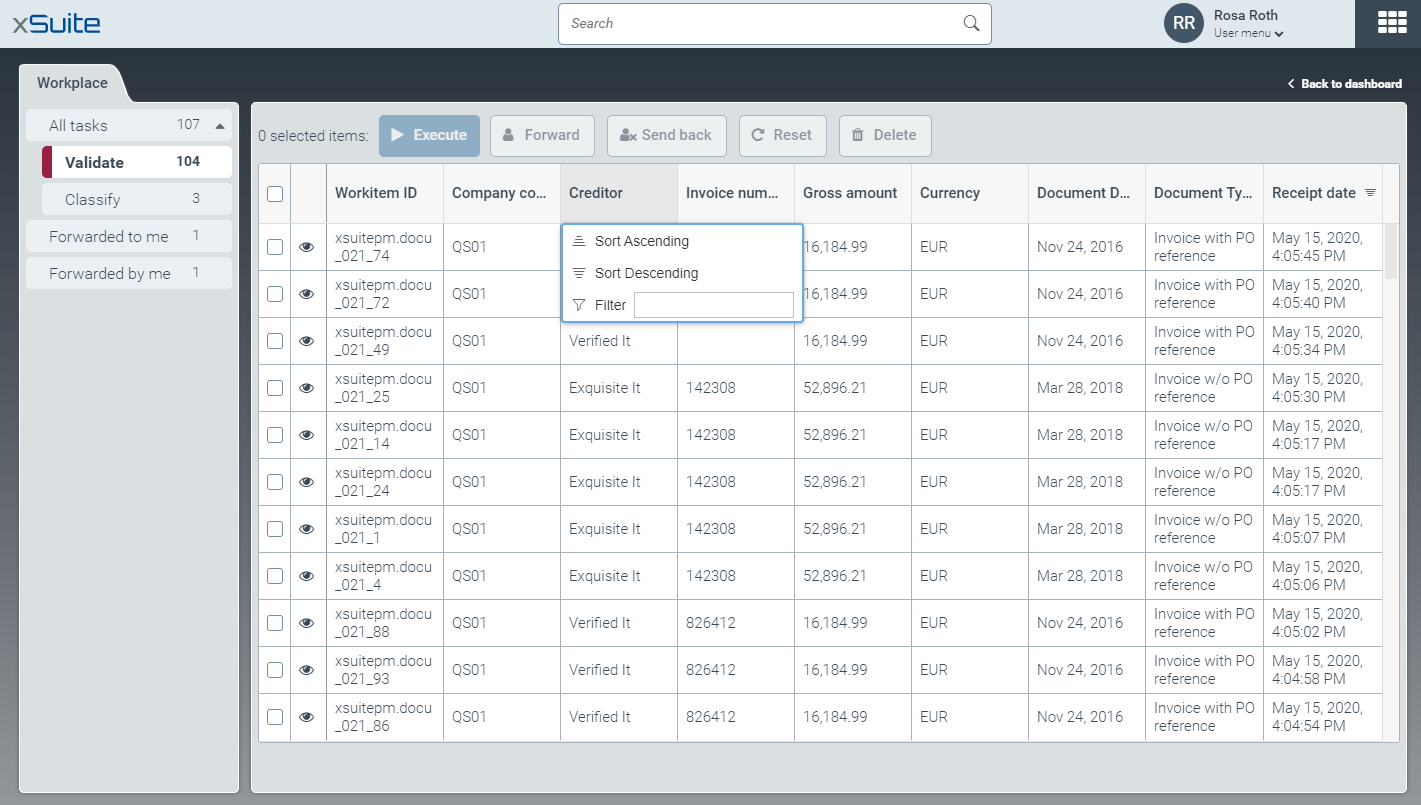
Filter or sort the list of work items. You can:
Sort Ascending
Sort Descending
Filter