Displaying extracted field values of the image
Open a work item. For more information, see Opening a work item.
The image of the work item will be displayed in the Document Viewer.
Select the Fields tab.
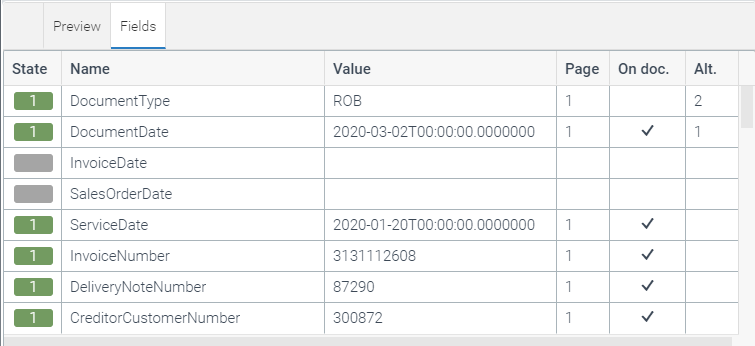
This is where all fields of the image are displayed with the extracted field values.
For information on the columns, see Overview of "Fields" tab columns.