Advanced filtering in the Work Item Manager
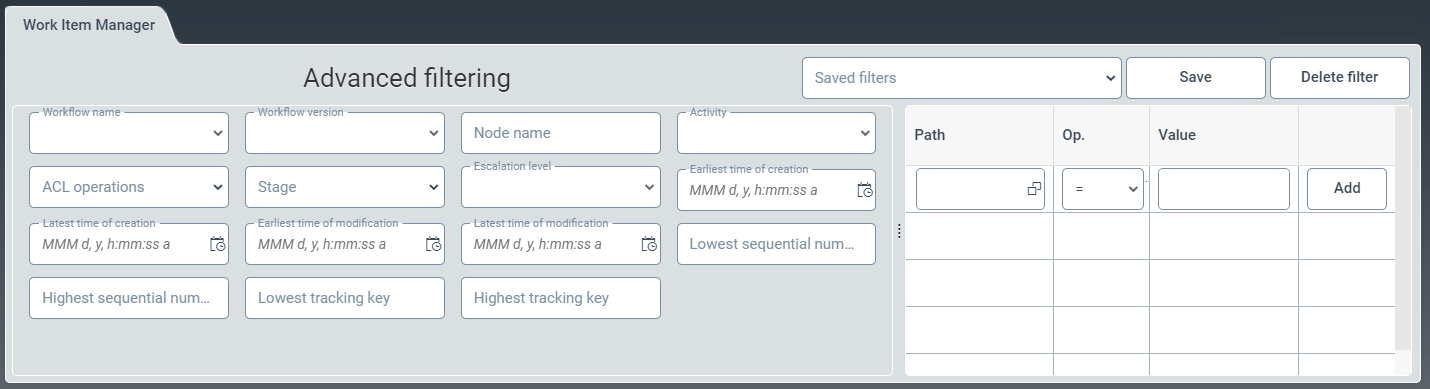
Advanced filtering helps you to filter work items by different categories. For example, you can search for work items from a specific workflow or creation period.
To filter with even greater precision, specific field catalog entries can be selected and linked to values using logical operators.
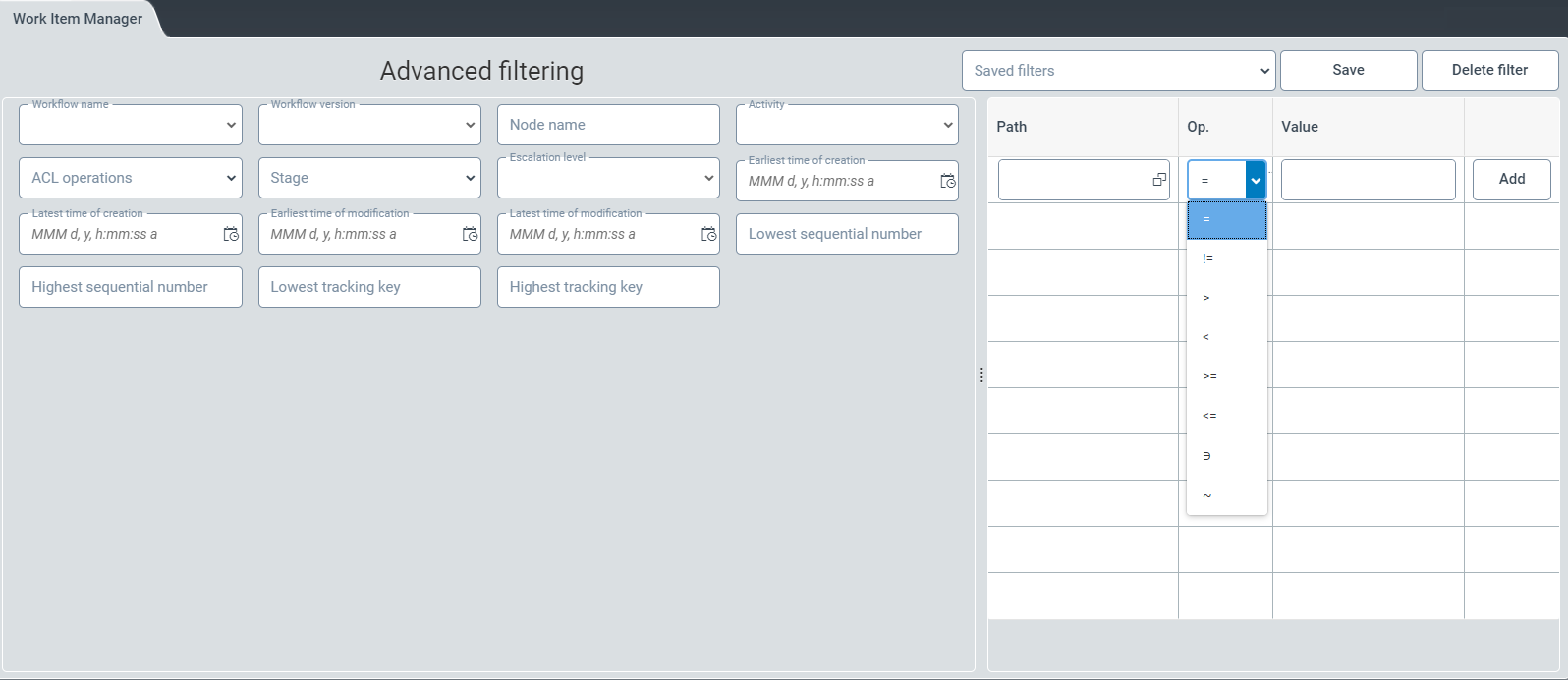
Overview of search fields for advanced filtering
Field | Description |
|---|---|
Workflow name | Filters for a specific workflow from the drop-down list, e.g. Mailroom Archive. |
Workflow version | Filters for a specific workflow version from a drop-down list. |
Node name | Name of a concrete workflow step, e.g. "Final archiving" as opposed to "Preliminary entry". |
Activity | Shows the type of workflow step, e.g. archiving activity. |
ACL operations | The administrator can filter for forwarded work items or for non-forwarded work items by clicking on the relevant checkbox. |
Stage | Filters by a specific phase from the drop-down list, e.g. Pending. |
Escalation level | Filters for one of the 3 escalation levels. |
Earliest time of creation | Filters for all work items created on the selected date or later. |
Latest time of creation | Filters for all work items created on or before the date selected. |
Earliest time of modification | Filters for all work items that were changed on the selected date or later. |
Latest time of modification | Filters for all work items created on or before the date selected. |
Lowest sequential number | Filters for all work items that do not have a lower consecutive number than the one entered. |
Highest sequential number | Filters for all work items that do not have a higher consecutive number than the one entered. |
Lowest tracking key | Filters for all tracking keys starting from the specified tracking key. |
Highest tracking key | Filters for all tracking keys up to the tracking key specified. |
Saved filters | Applies the selected filter profile from the drop-down list of saved filters. |
Path | To open the Select Field Catalog Entries window, click on the button You can select a field catalog entry from the selection list of the Select Field Catalog Entries window. |
Op. | From the drop-down list of this search field, you can select a logical operator to narrow down the search based on the field-catalog entry. |
Value | In this search field, you can enter a value to narrow down the search using a field-catalog entry and a logical operator. |

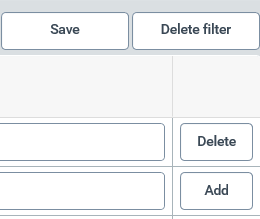
Overview of buttons for advanced filtering
Field | Description |
|---|---|
Save | Saves all filtering specifications. |
Delete filter | Clears all filters. |
Delete | Deletes the entries for the search fields Path, Op. and Value. NoteThis button will only appear behind the line if a second line has already been added. |
Add | Adds a new line with the search fields Path, Op. and Value. |