xSuite Helix - HelpThe Web ClientYour absencesDeleting absencesDeleting absencesGo to the web client ribbon and select User Menu → Account Settings → Absences.Your absence screen will open.Select the absences you wish to delete.Click Delete absences.Confirm the prompt with Delete.
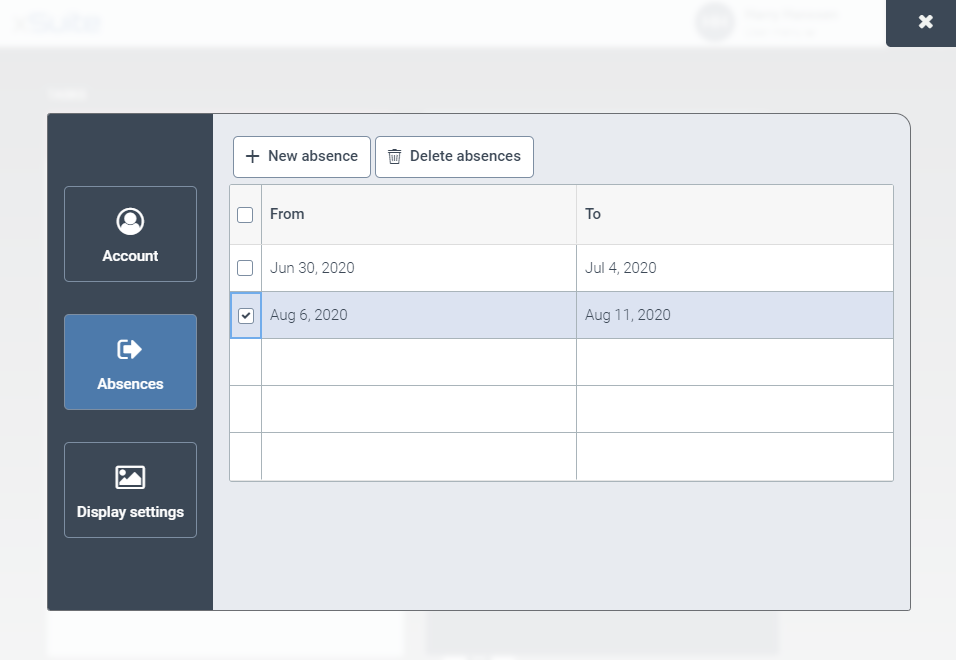
 Delete absences.