Customers Clients
The Customers Clients tab is where xSuite Bus users are assigned. You can maintain various systems and users and assign them to different tasks, actions and workflows.
This makes it possible, for example, for different company codes or plants to access different actions for procuring master data, thus ensuring that only master data relevant to the respective plant or company code is made available to the document capture projects.
External licenses can also be displayed under Licensing. For more information, see Licensing.
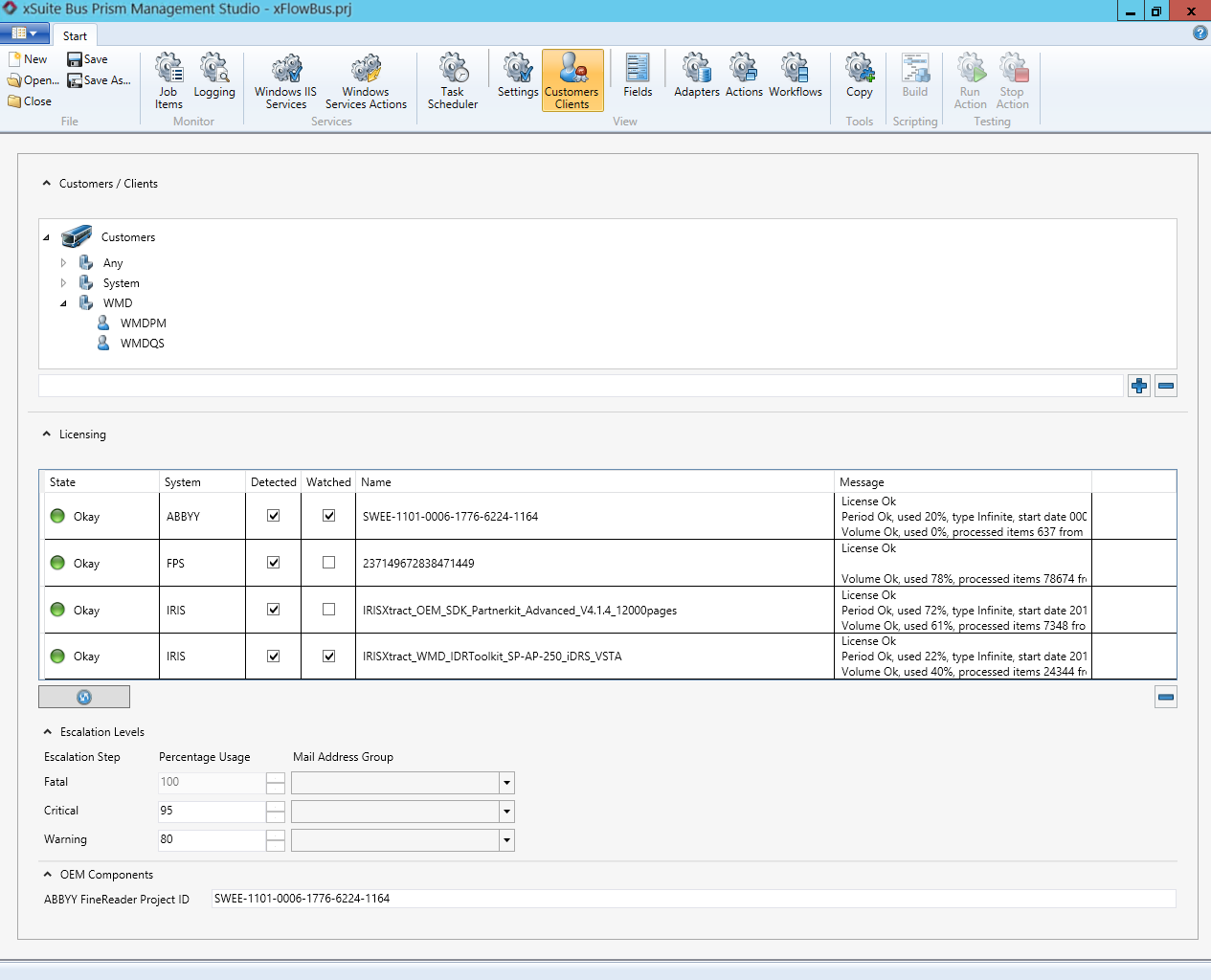 |
Adding and removing customer and client
Button | Description |
|---|---|
| Adds a new customer or client. If you enter a name in the field next to the button and click the button, a customer with the entered name will be added. If you select a customer in the list before entering a name and click the button, a new client will be added. |
| Removes a selected customer or client. The removal of a Customer or a Client will simultaneously delete all data records assigned to these names, including images in the xSuite Bus system. |


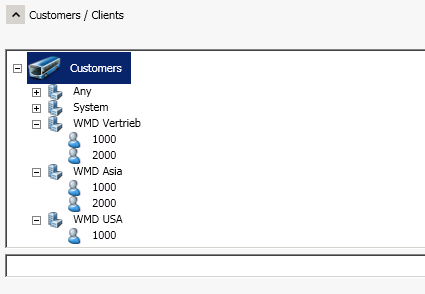
The customers Any and System are configured by default. The customer Any can be used as a pre-defined customer. We recommend creating additional clients to be able to differentiate.
Notice
The names Customer and Client may only be used once. For instance, it is not possible to assign another client the same name. Add consecutive numbers or a character such as the first letter of the first name to create unique names.
 |