Copy
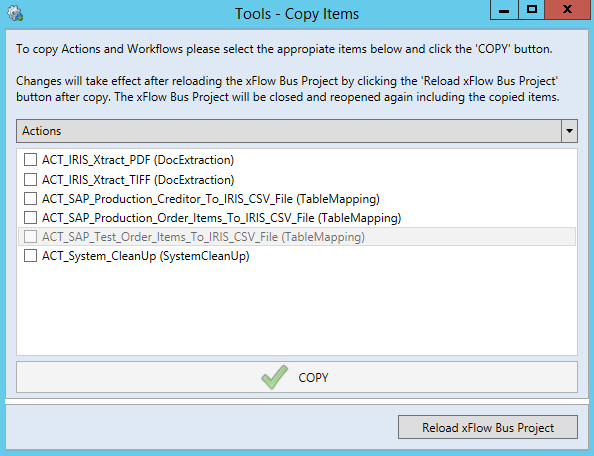
The section Copy offers you the convenience of copying previously configured actions and workflows. This makes it possible to adopt settings previously made and to configure them.
Use the drop-down menu to select whether it is an action or a workflow that is to be copied. Then specify whether a single action or workflow or a batch of actions or workflows is to be copied. To complete the action, click the button Copy.
 |
Notice
Changes made to the copied actions or workflows are not adopted until the xSuite Bus project has been saved and reloaded.
You can perform these actions manually or click the button Reload xSuite Bus Project, which appears after the action or the workflow has been copied.