The Archive Monitor
The Archive Monitor is used to evaluate the monitoring of system components and system processes (e.g., scheduler jobs). The results of the monitoring are displayed in a table.
Notice
Monitoring must be activated under SystemSettings → Monitoring.
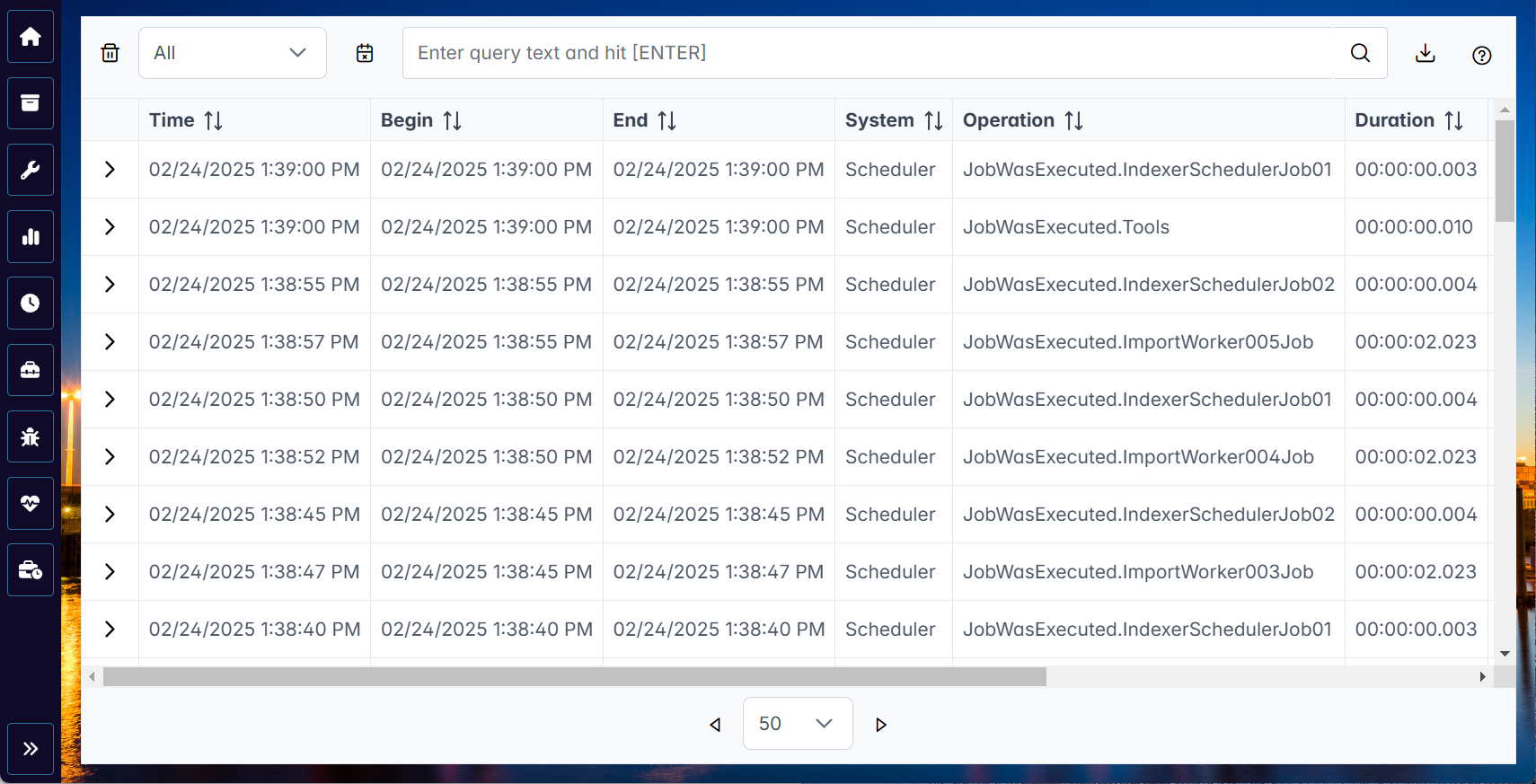 |
In the table, you can search for entries, filter entries, and export entries. The following buttons are available in the Archive Monitor for this purpose:
Button | Description |
|---|---|
| Removes all filters. |
| Opens a dialog in which you can specify a time period. Only entries that were created in this period are displayed in the table. |
| Downloads all table entries as a CSV file or as a JSON file. |


Notice
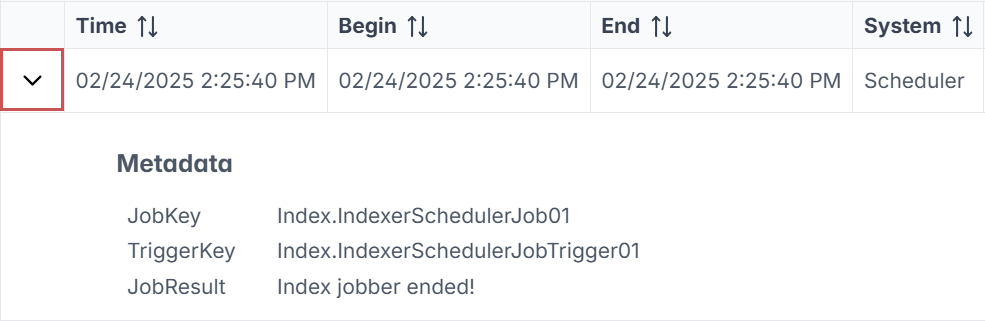
Expand an entry using the  button to display the metadata for the entry at hand.
 |