Executing one or more tools
Open the Tools area.
In the Tools list, click on the tool you want to execute.
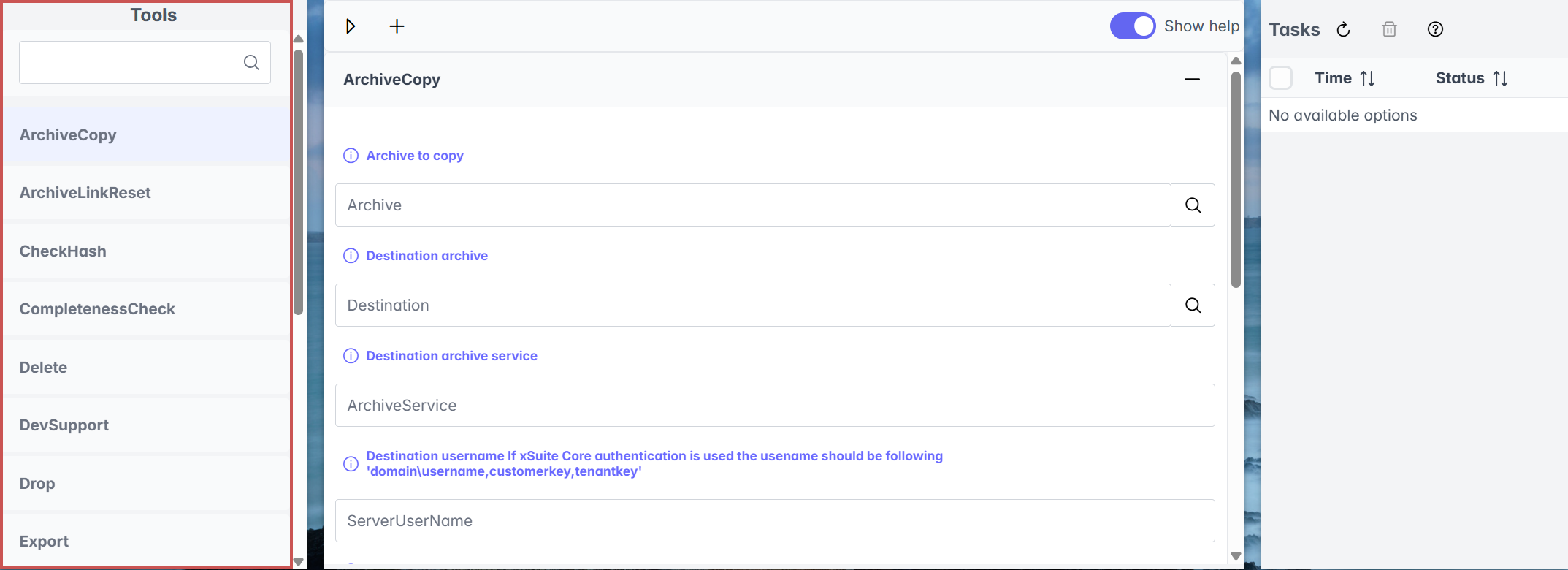
➣ The parameters of the selected tool are now displayed.
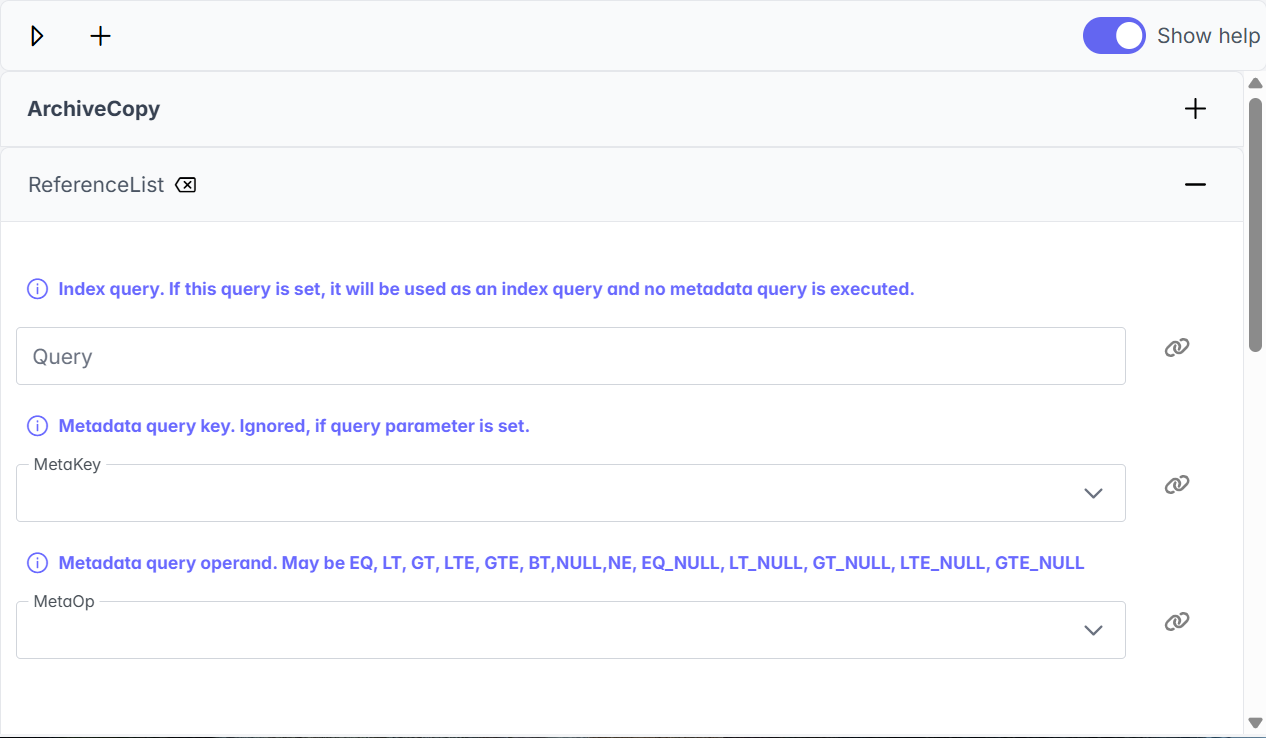
To execute multiple tools, click on the
 button and select a tool.
➣ The parameters of this tool will appear below the parameters of the first tool selected.
Notice
Click on the
 button to remove the tool again.
Enter values for the parameters.
Click on the button
 .
.➤ The tool or tools have now been executed.
Notice
You can monitor execution in task control.