Example: Setting query restriction for an index
Notice
General information on restrictions can be found at Restrictions.
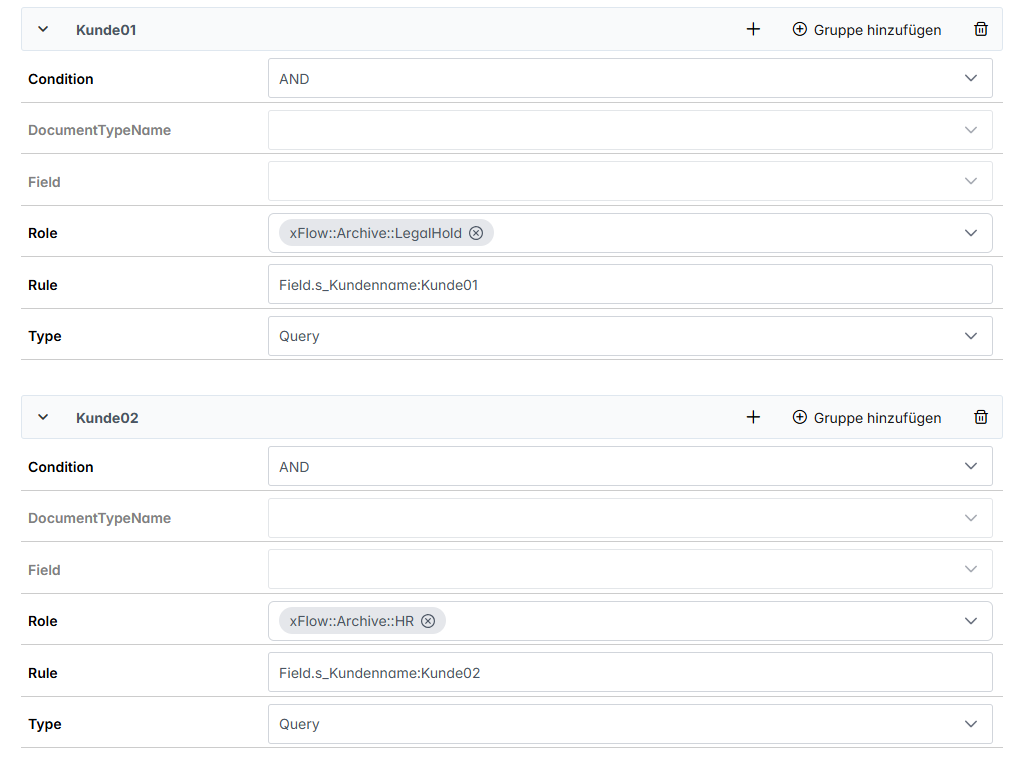
In the following example, users with the role xFlow::Archive::LegalHold are only meant to see documents that have the value Customer01 in the field Customer name.
Open Encore administration.
Under Permissions → Indexes, click on an existing index.
In the Main tab, click on
 Add group.
➣ The Restrictions tab has now been added.
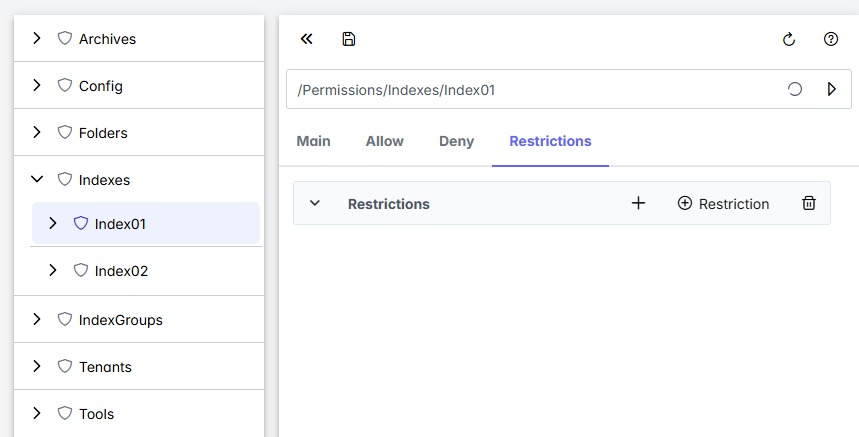
Click on
 Restriction
➣ A new grouping will be added.
Select the value
Queryfrom the drop-down list Type.In the field Role, select the role
xFlow::Archive::LegalHold.Enter the value
Field.s_Customer_name:Customer01in the field Rule.Information on the syntax can be found at Query syntax.
Click
 Save.
Save.➤ The restrictions have now added to the index.