Opening the Order Confirmation Monitor in SAP Fiori
On the SAP Fiori home page, click the OC Overview tile.
➣ The selection screen will open.
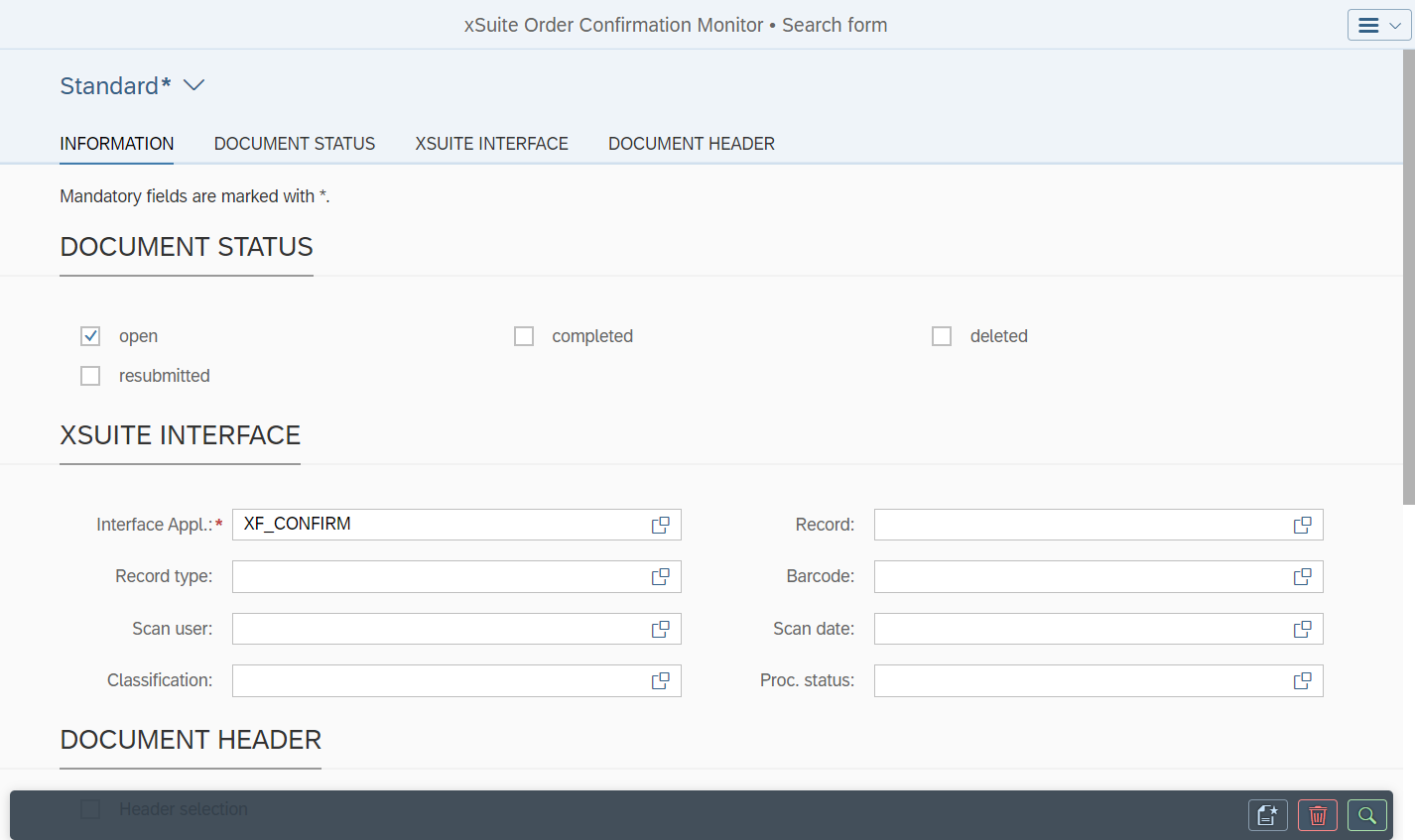
Enter the name of an application such as
XF_CONFIRMin xSuite Interface → Interface Appl.If necessary, add more search terms in the other search fields.
For information on search fields, see Order Confirmation Monitor: Search Fields.
Notice
The search criteria you have entered can be saved as a view. The data of existing views can be loaded.
For more information, see Views in SAP Fiori.
Click the
 Search button.
➤ The Order Confirmation Monitor will open.