The "Access" Tab
If no access restrictions are defined, by default, the user will be offered all masks in the masks folder of the scenario. If required, user access can be restricted for any given mask.
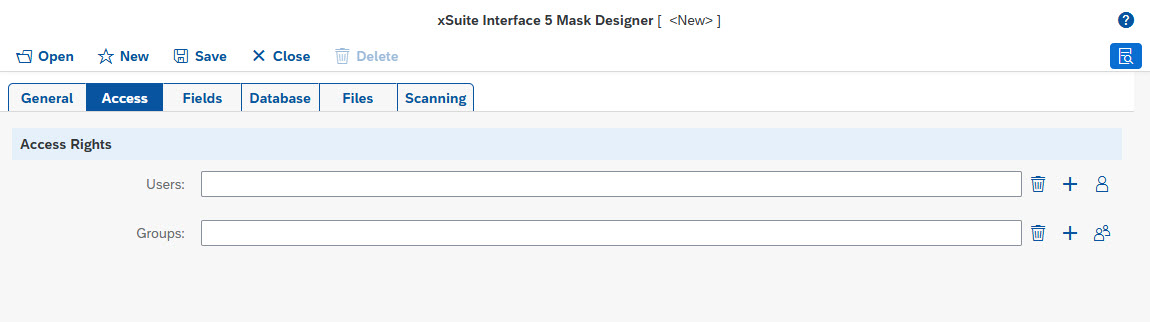 |
Access rights
Field | Description | ||||||
|---|---|---|---|---|---|---|---|
Users | Name of user who has access to the mask To restrict access permissions, the web service must query the user names. For this, activate basic authentication or Windows authentication globally (see property NoticeThe user names transmitted by the browser are compared by name with the user names specified in configuration. The spelling must therefore match exactly. With Windows authentication, the domain name is also specified in the syntax The following buttons are available for editing user entries:
| ||||||
Groups | Name of the user group that receives access to the mask At runtime, the program determines which groups the transferred user is a member of. These groups are compared with the groups that are authorized for the mask according to the configuration.
|