Opening the Invoice Monitor in SAP Fiori (Multi-Back-End Mode)
On the SAP Fiori home page, click the Invoice Monitor tile.
➣ The selection screen will open.
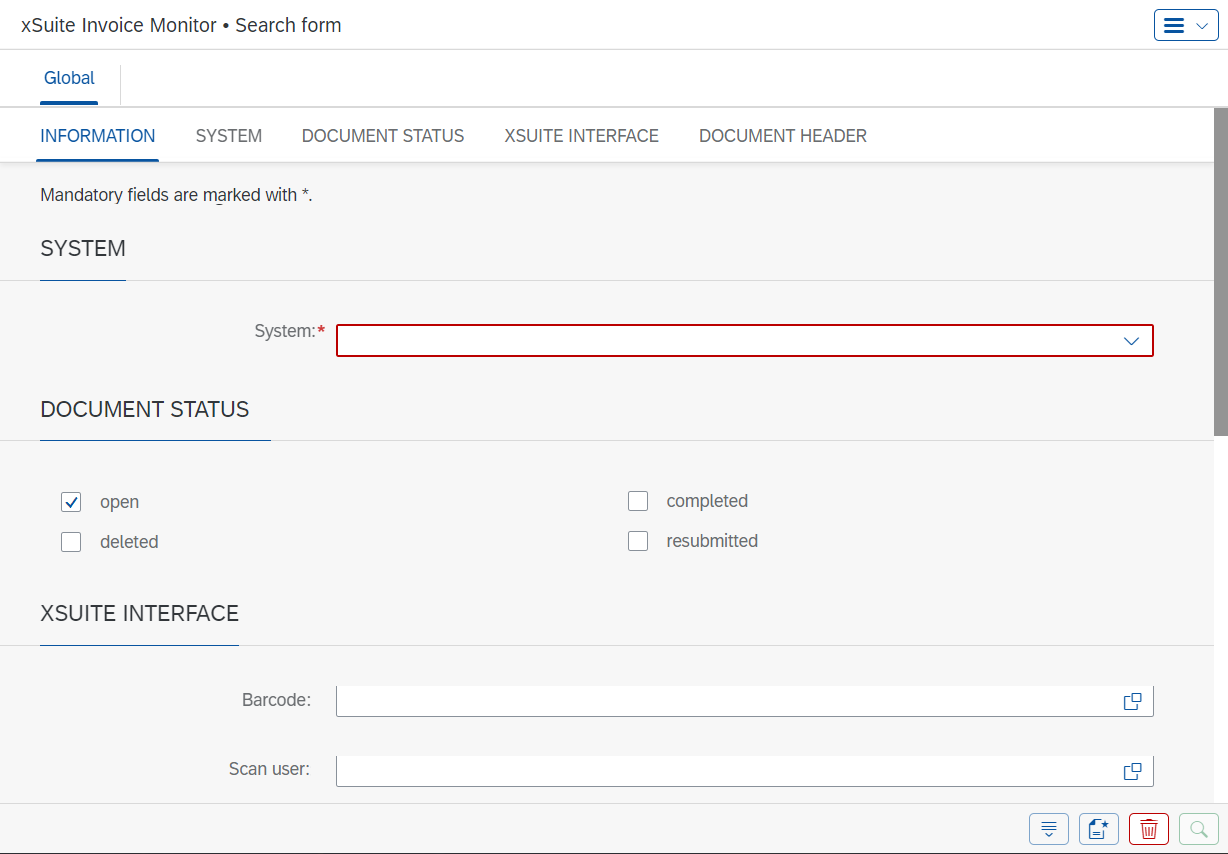
In the dropdown list System, select one of the following back-end systems.
➣ A tab with the name of the selected back-end system will appear.
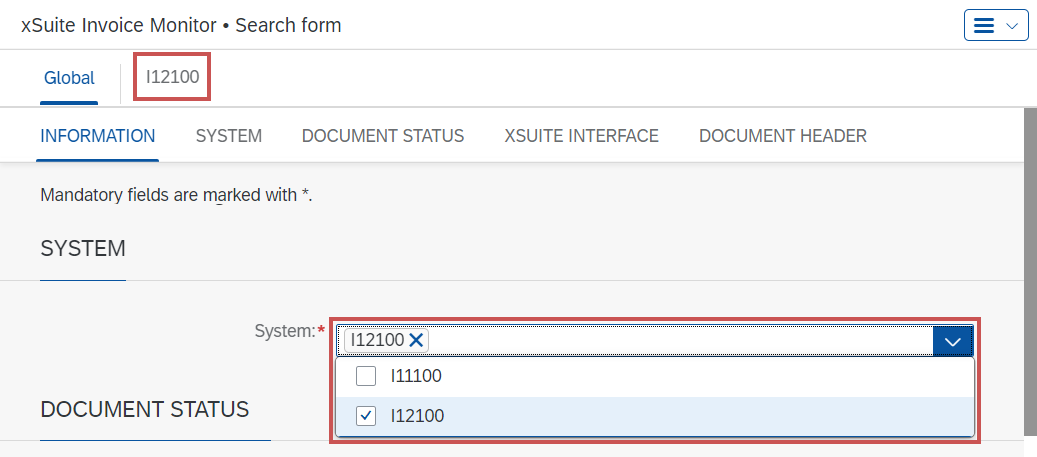
If necessary, enter additional search terms in the Global tab and/or in the back-end system.
For information on the search fields, see Invoice Monitor: Search Fields.
Click the
 Search button.
➤ The Invoice Monitor will open.