Opening the xSuite Orders Summary in the SAP GUI
Execute the transaction /WMD/XF_OR_SUMM.
➣ The selection screen will open.
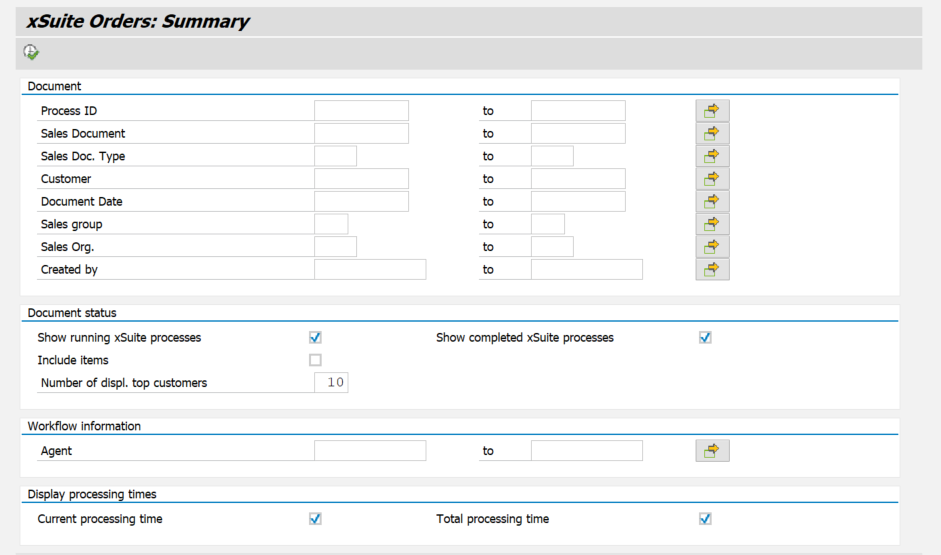
Enter search terms in the search fields as needed.
For information on search fields, see xSuite Orders Summary: Search Fields.
Click on the
 Execute button or press F8.
➤ The Summary Report will open.