"Approve Document" (Role ORVA)
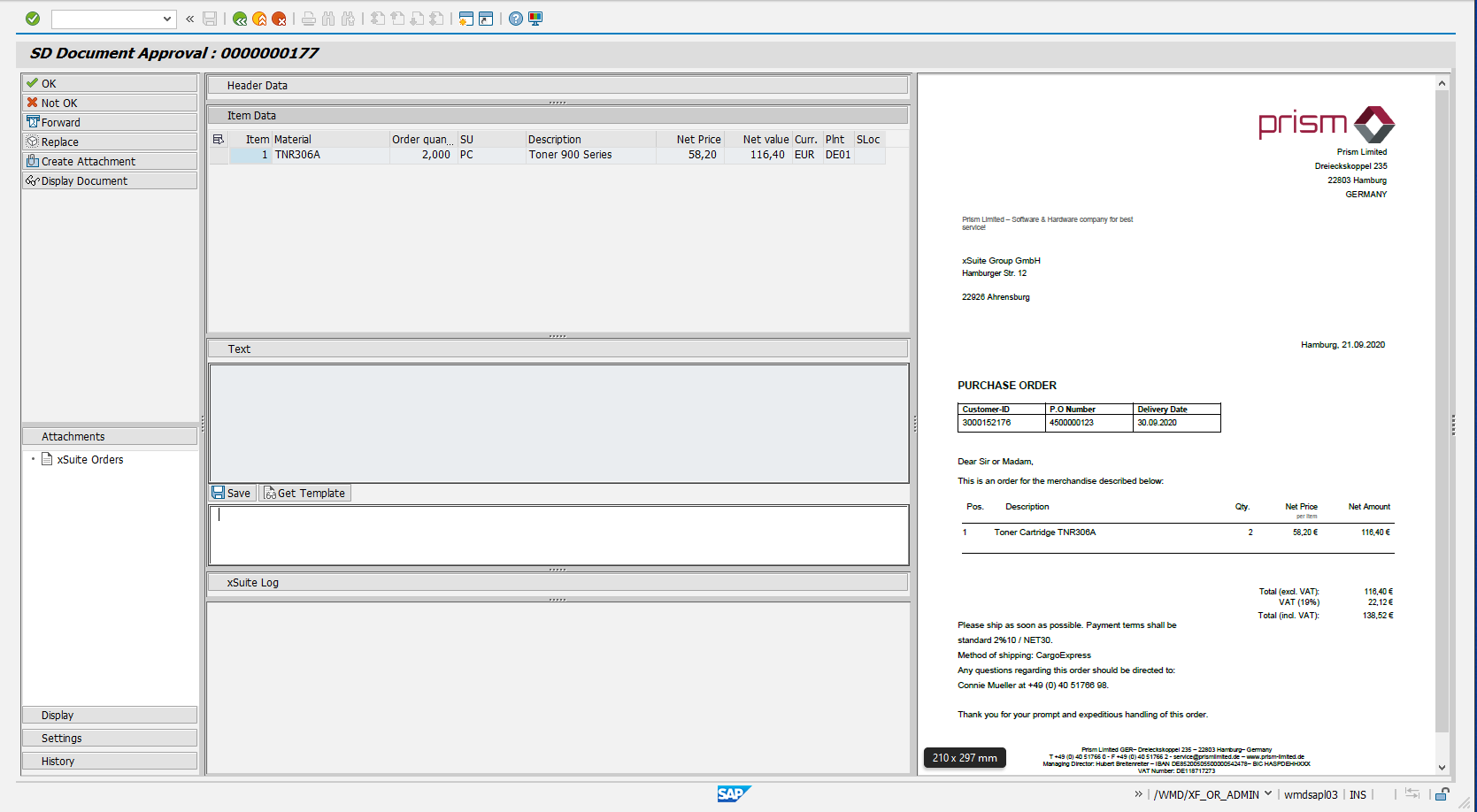
UI – SAP GUI
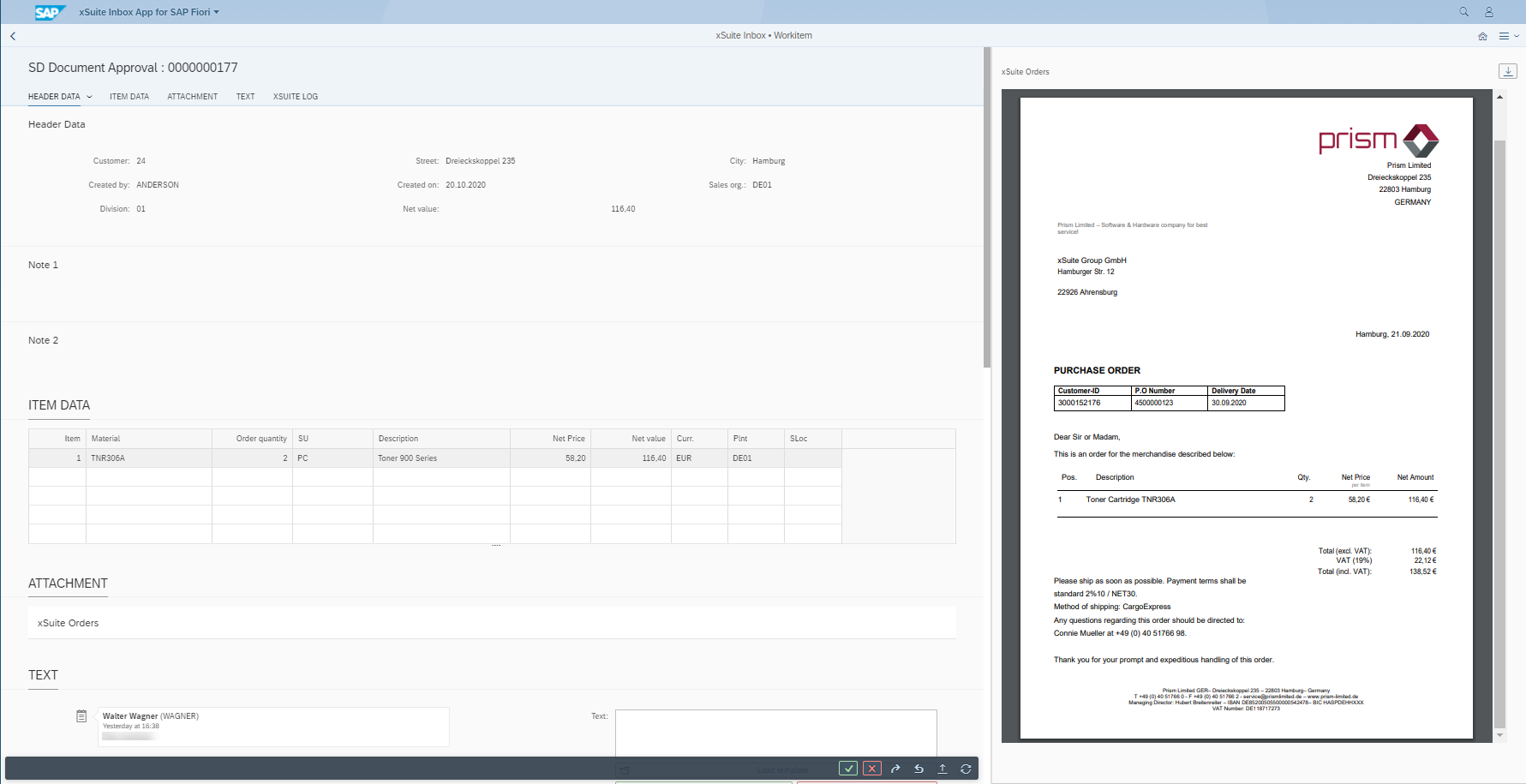
UI – SAP Fiori
UI – xSuite Web
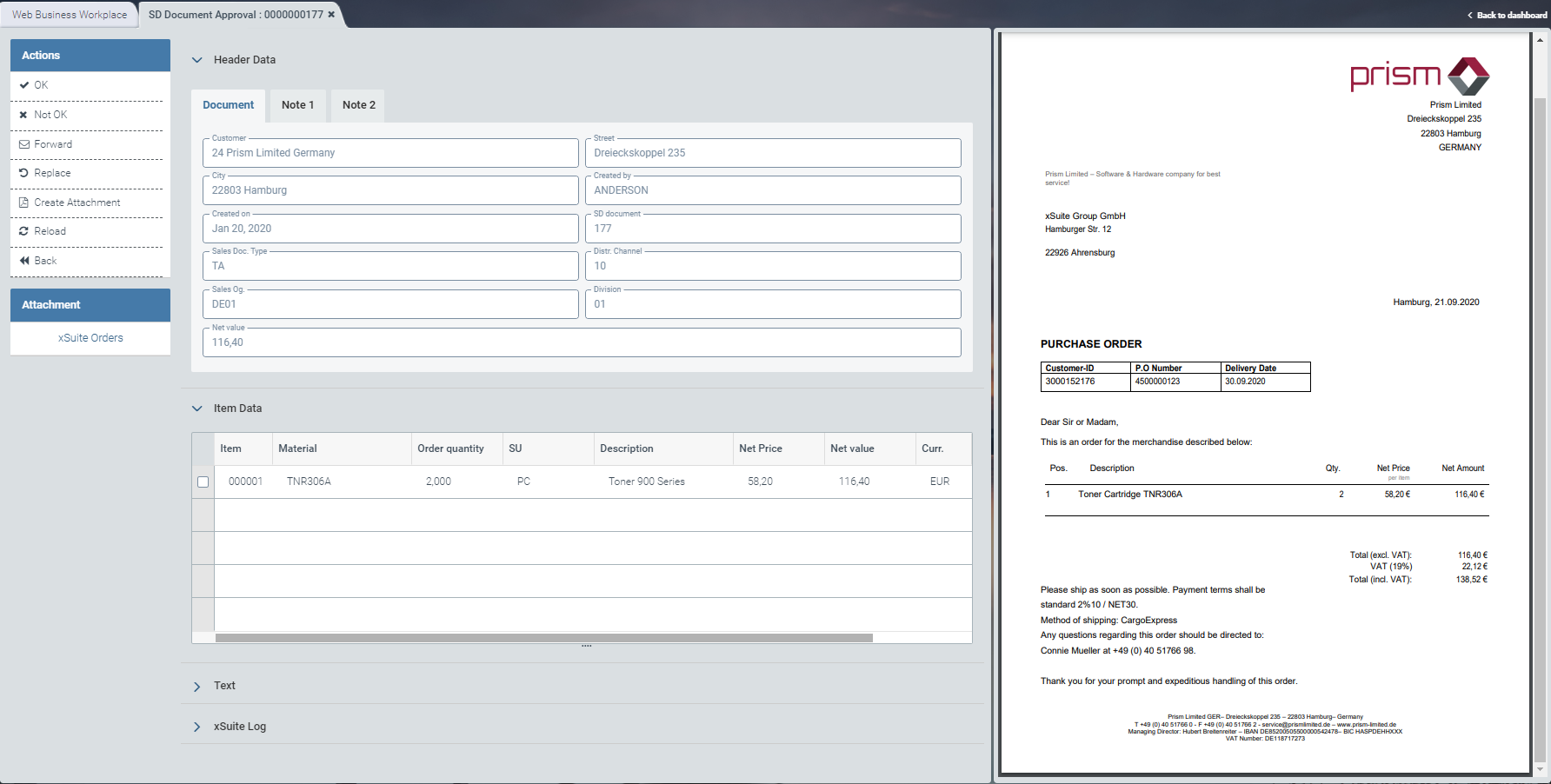
For information on the UI elements, see Work Items: Main Overview in the SAP GUI, Work Items: Main Overview in SAP Fiori and Work Items: Main Overview in xSuite Web.
"Approve Document": Buttons
SAP Fiori | SAP GUI / xSuite Web | Description |
|---|---|---|
| OK | Confirms that the document is correct and concludes the workflow step. The following steps are executed:
|
| Not OK | Rejects the work item and concludes the workflow step. Prerequisite: A comment has been entered in the section Text. The following steps are executed:
|
| Forward | |
| Replace | |
| Create Attachment | |
--- | Display Document | Opens the document in display mode in SAP transaction ME23N. Note: This button is only available in the SAP GUI. |
| Refresh | Note: This button is only available in SAP Fiori and xSuite Web. |
| Back | Note: This button is only available in SAP Fiori and xSuite Web. |


