Workflow task "Release"
An invoice is transferred to the "Release" workflow task if the invoice has been confirmed as correct in the approval step.
The "Release" workflow task is for checking the invoice. Invoice data cannot be edited here. If there are no errors, you can release the invoice in its entirety by clicking Approve. This posts the invoice, and the workflow comes to an end.
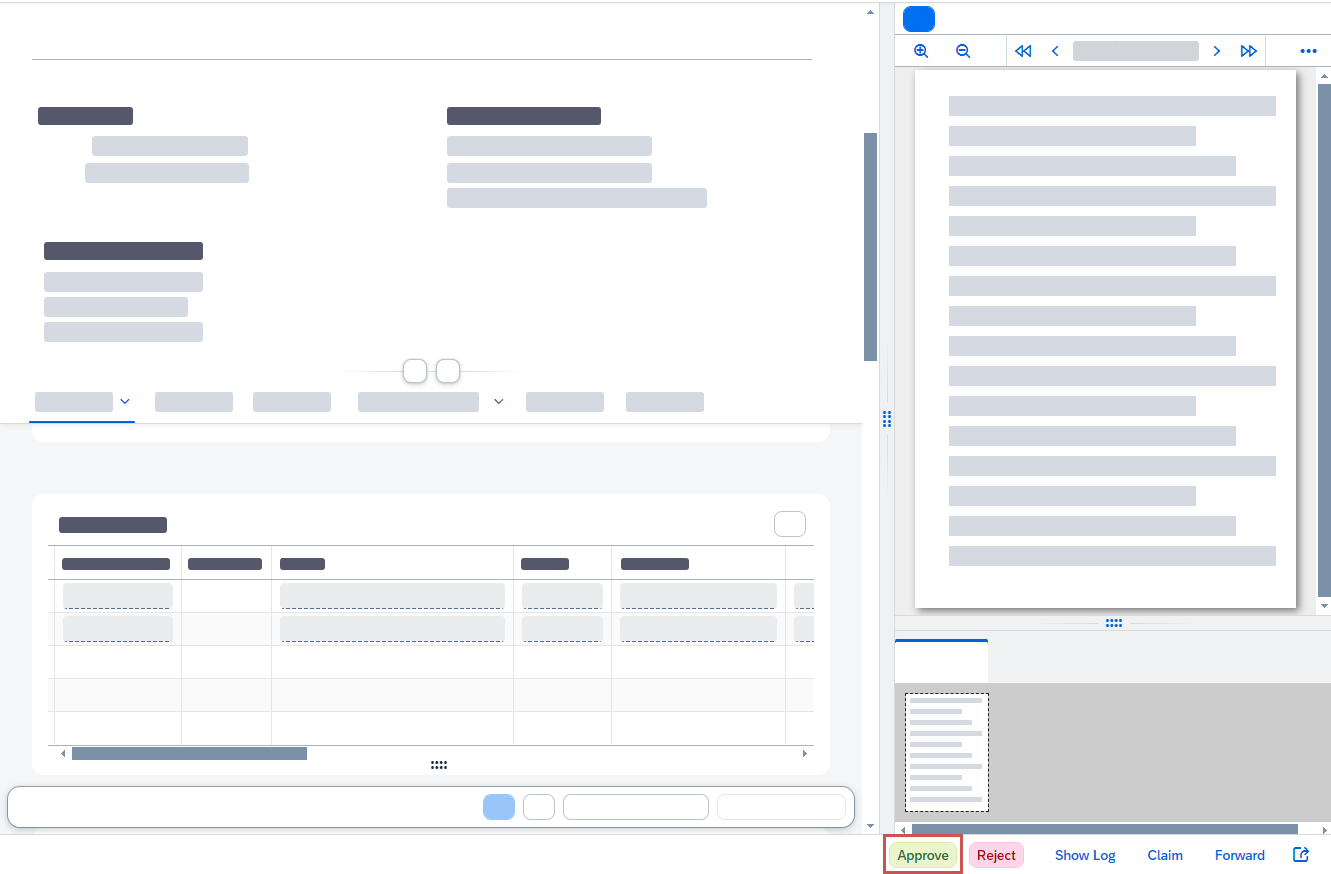 |
If the invoice data contains errors that require correction, click Reject to cancel invoice release. When doing so, add a message with the reason for the rejection. Without a message, you will not be able to complete the rejection step.
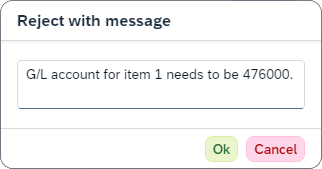
The invoice is then transferred to the "Revision" workflow task. The agent of this task can process the invoice and rectify the reason for the rejection.