Copying a record
Any record in the Invoice Monitor can be copied. All data from the original record will be transferred to the copy. The data in the new record can be edited.
Open the Invoice Monitor.
Go to your hit list and select the record you want to copy.
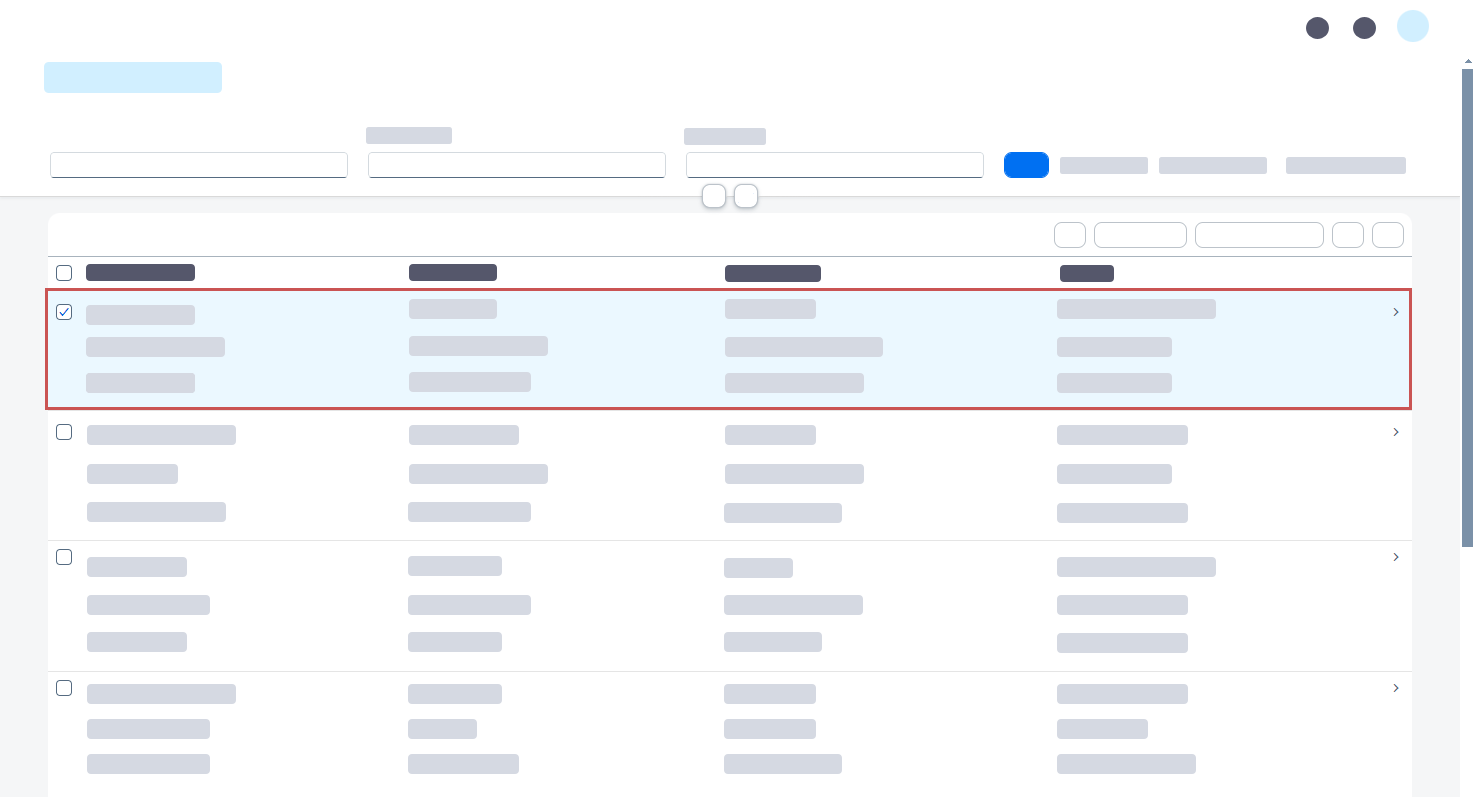
Click Copy.
➣ The dialog Copy Document will open. The fields Application, Record Type, and Company Code will be prepopulated with the values of the selected document.
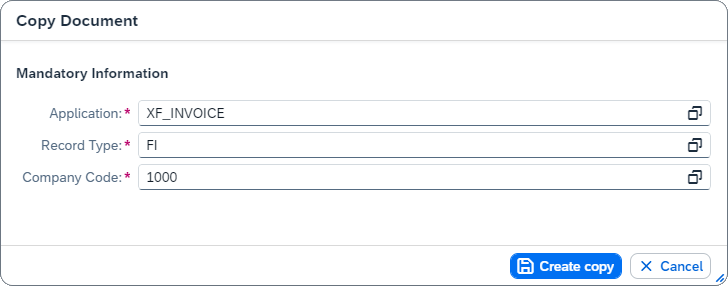
To use a different application, record type, and/or company code for the copy, adjust the respective values in the fields.
Notice
The changed values are only used for the copy. The data of the selected record, which serves as a template, will not be changed.
Click Create copy.
➤ The selected record has now been copied. The data of the selected record is copied to the new record.