Copying an agent determination entry
When an agent determination entry is copied, all data from the selected entry is transferred to the copy. The data in the copy can be edited.
On the start page, click on the tile Workflow Agent Determination.
➣ Agent determination will open.
[de] Klicken Sie auf Start.
[de] ➣ Alle vorhandenen Einträge werden in der Liste angezeigt.
[de] Wählen Sie einen Eintrag aus, den Sie kopieren möchten.
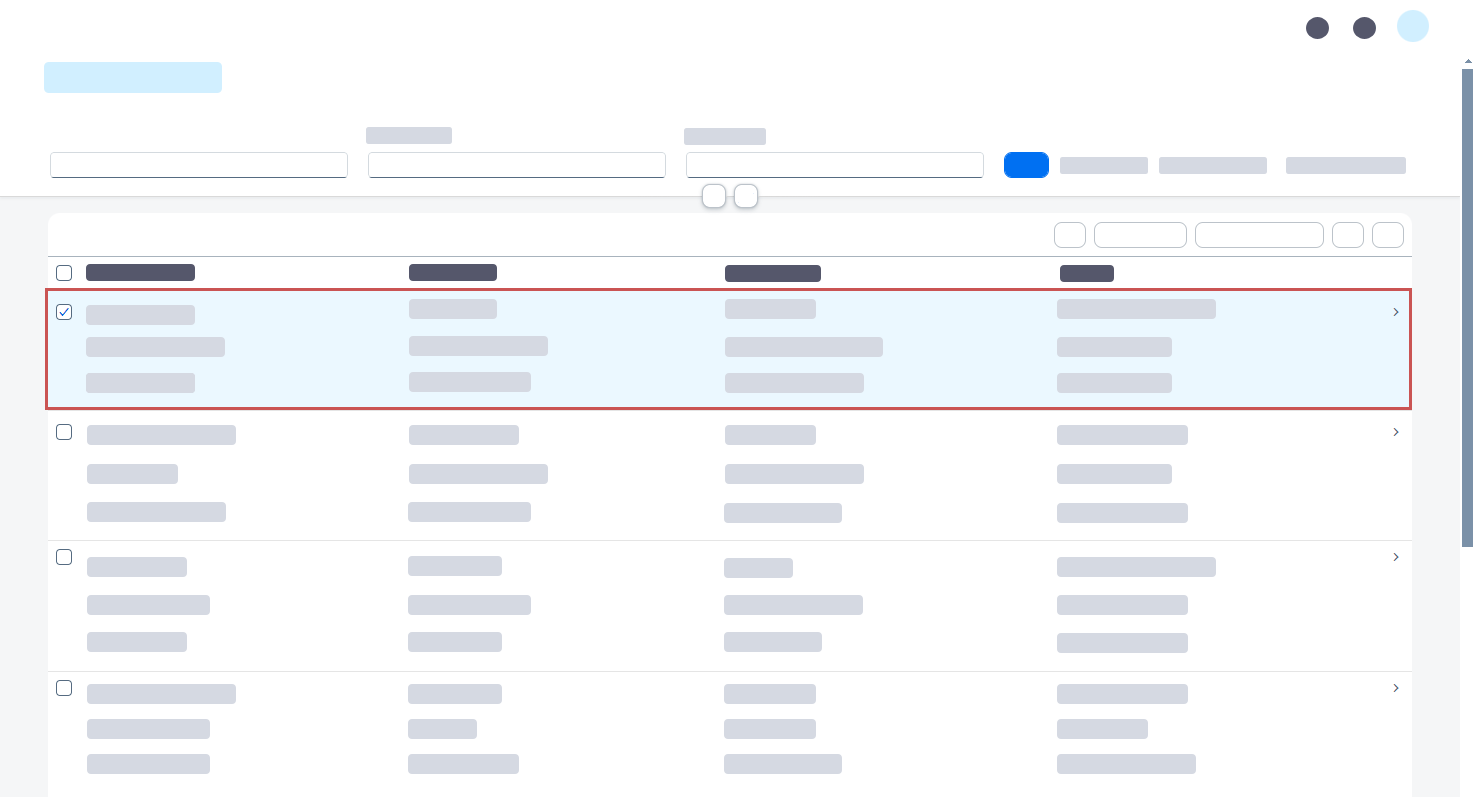
Click the button
 Copy agent determination.
➣ The dialog Copy agent determination will open. The fields will be prepopulated with the data of the selected agent determination entry.
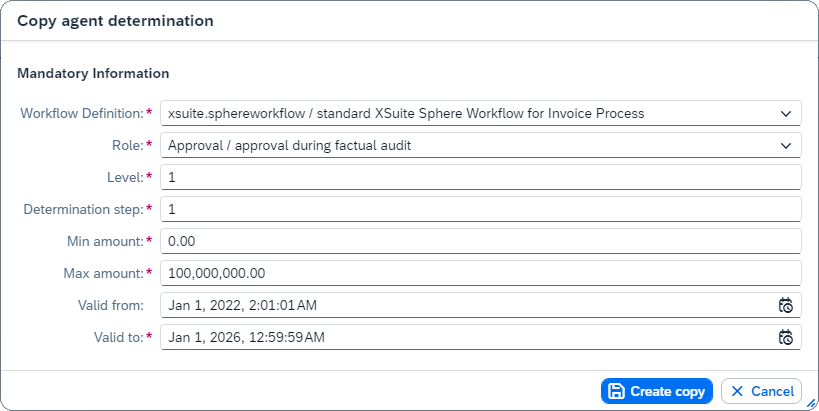
Change the values in the fields if necessary.
Notice
The changed values are only used for the copy. The data of the selected agent determination entry, which serves as a template, is not changed.
Click Create copy.
➤ The agent determination entry has now been copied. You can edit the data in the copy.