Changing the company code of a record
The company code of existing records can be changed in the Invoice Monitor. The company code can only be changed if the record in question is not in the workflow and has not been deleted or posted.
Open the Invoice Monitor.
In the hit list, select the record whose company code you want to change.
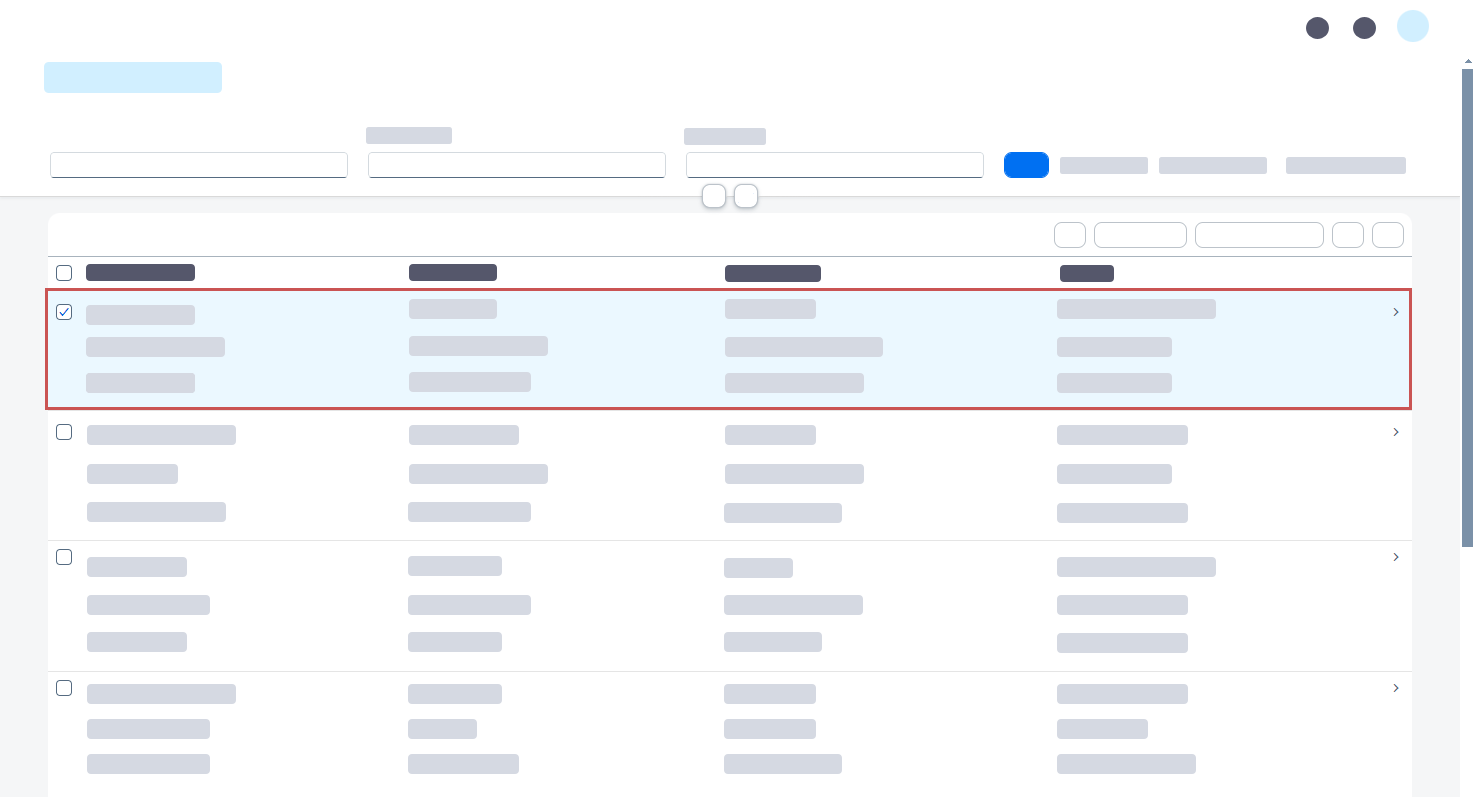
Click the button Change record type.
➣ The dialog Change record type will open.
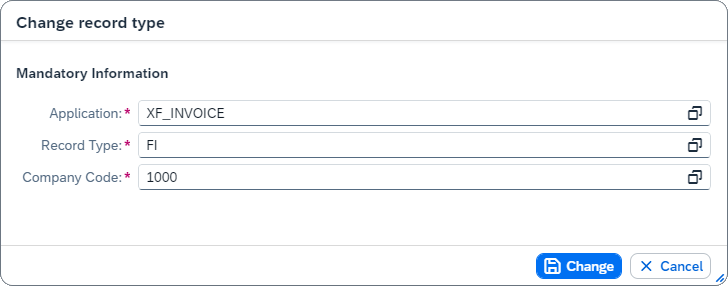
In the field Company Code, select a different company code.
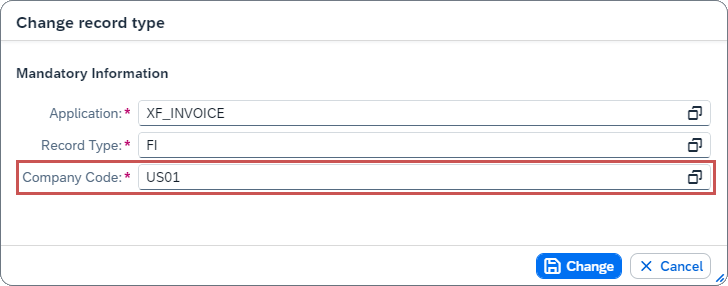
Click Change.
➤ The company code of the selected record has now been changed.