Importing an agent determination entry
Data for agent determination can be imported in the form of a CSV file. If imported data has the same ID as existing data, the existing data will be overwritten.
On the start page, click on the tile Workflow Agent Determination.
➣ Agent determination will open.
Click Load from files.
➣ The dialog Agent determination import will open.
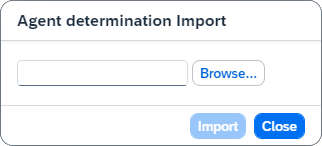
Click Browse and select a file for import.
Click Import.
➤ The agent determination has now been imported. You can edit the imported data.