Opening the configuration page for a tile
Execute the transaction /UI2/FLPD_CUST.
➣ Fiori Customizing will open in the web browser.
Select the Catalogs tab.
Select a tile catalog such as the xSuite tile catalog "xSuite Fiori".
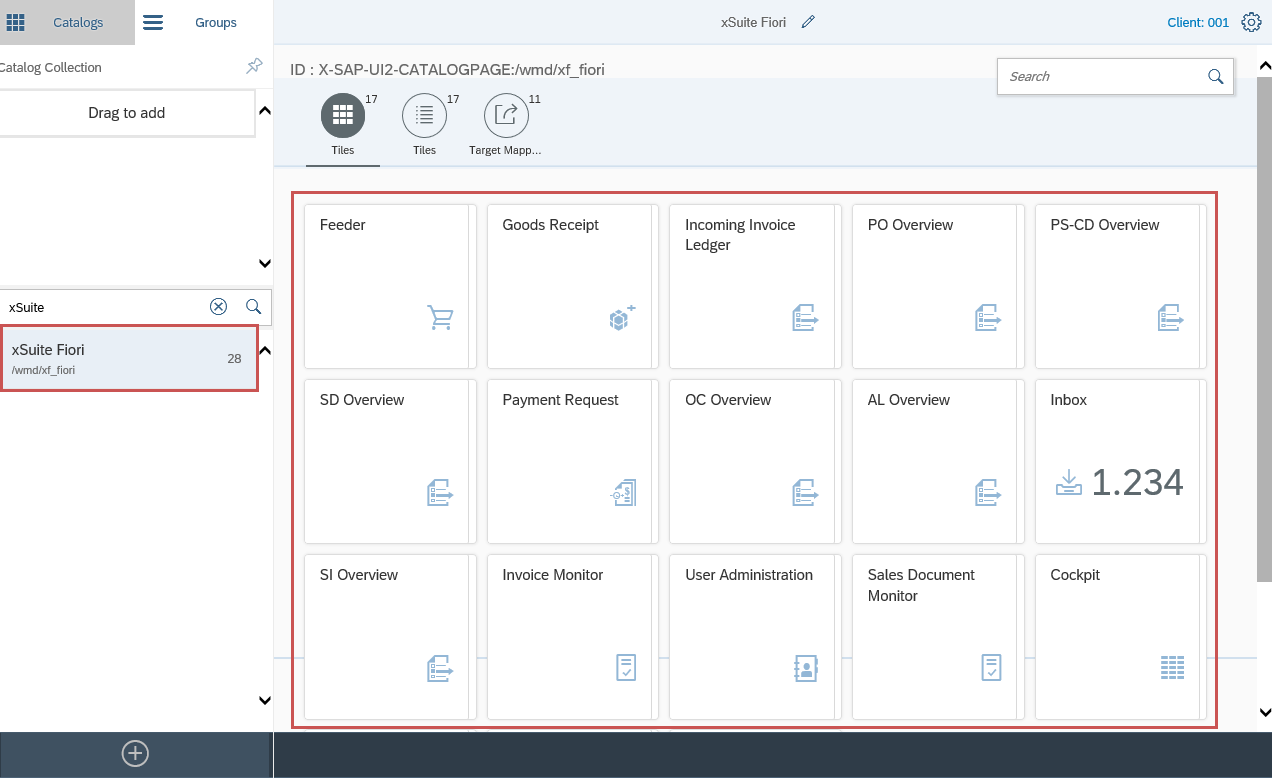
Click on a tile.
➤ The screen for configuring the tiles will open.