Configuring the counter on the "Inbox" tile
To display a counter value on the Inbox tile, the appropriate service and RFC destination must be specified.
Open the configuration page of the Inbox tile. For more information, see Opening the configuration page for a tile.
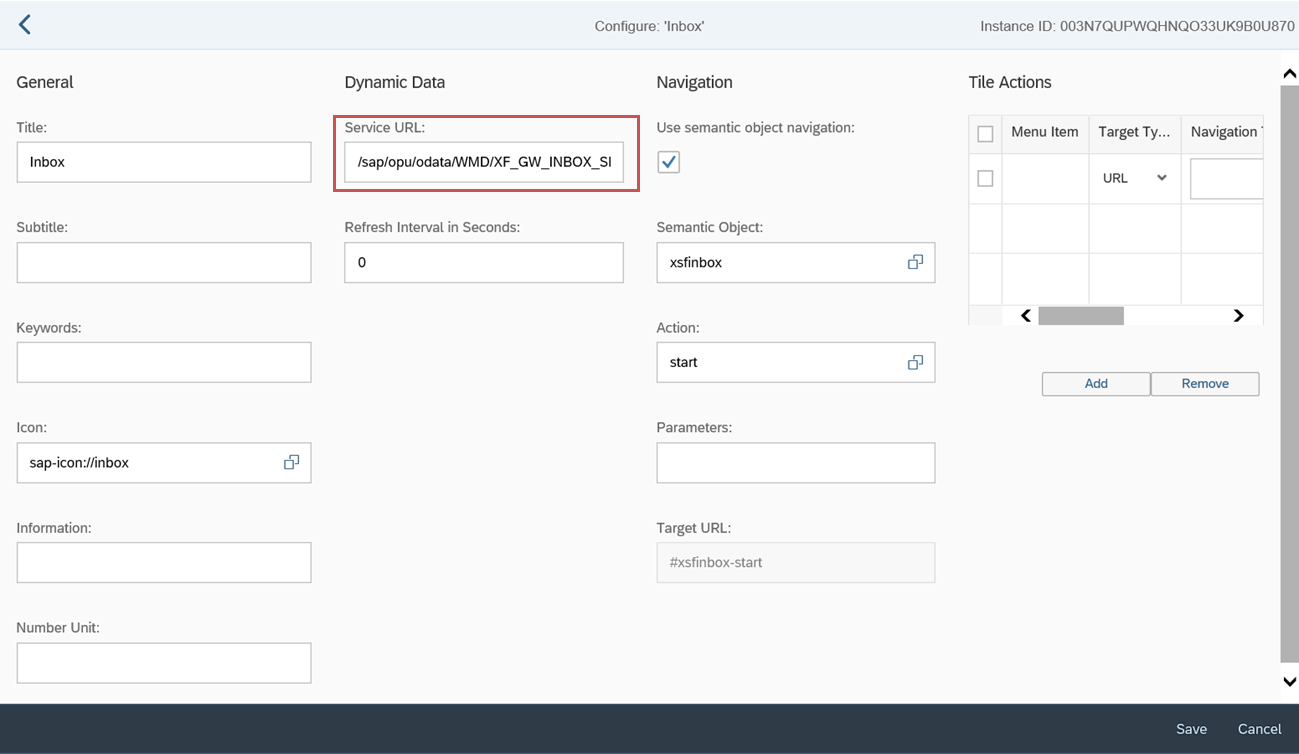
In the Service URL field, enter the following value:
/sap/opu/odata/WMD/XF_GW_INBOX_SRV/getData?mode='IB'&dest='RFC_I08'&noits='X'&$format=jsonIf the ITS workflow tasks are enabled, enter the following value instead:
/sap/opu/odata/WMD/XF_GW_INBOX_SRV/getData?mode='IB'&dest='RFC_I08'&noits=''&$format=json
Notice
XF_GW_INBOX_SRVindicates the service, andRFC_I08indicates the RFC destination that must be exchanged.Save.