Dossiers in the new Archive Client (beta version)
The new "Dossier" feature is available in beta in the new Archive Client. Dossiers allow you to logically group documents from multiple archives into a single virtual "file" based on configurable relationships and index data.
A dossier consists of a dossier cover and one or more dossier dividers. The dossier cover represents the master record of the dossier and refers to a primary document. The dossier dividers organize the dossier into individual subject areas or document types, which are linked to the dossier cover via field relationships.
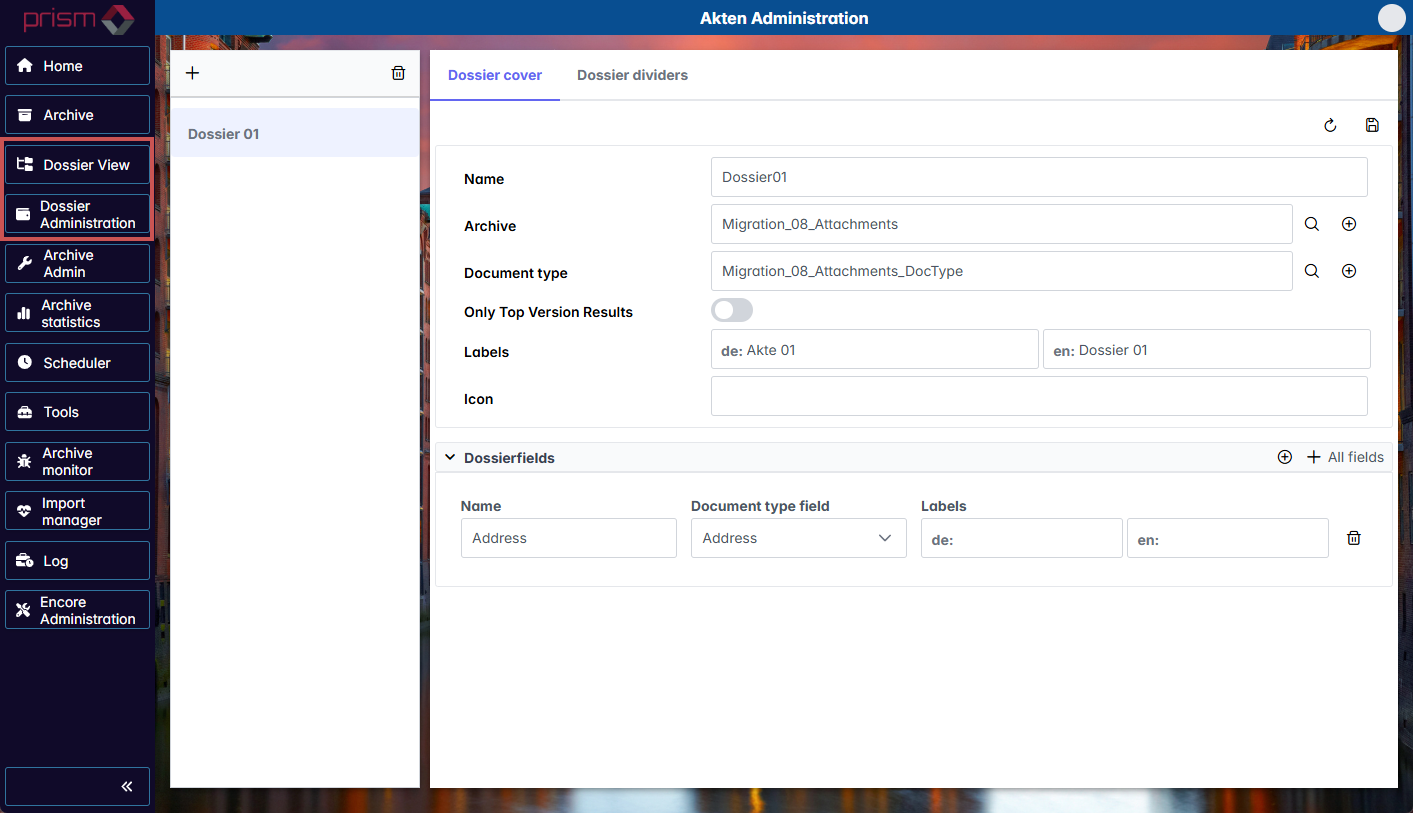
The following new menu items are available in the Archive Client:
 |
Menu item | Description |
|---|---|
Dossier View | This menu item offers options to view and search through the files you have created. The following features are available here:
|
Dossier Administration | This menu item offers options to create new dossiers and edit or delete existing dossiers. Here, you define all dossier cover and dossier divider settings, i.e. the associated archives, document types and fields. The following features are available here:
|